How webcam motion games work
Webcam. You. Game. Motion games that run on the laptop or PC you already own. Here's how it fits together.
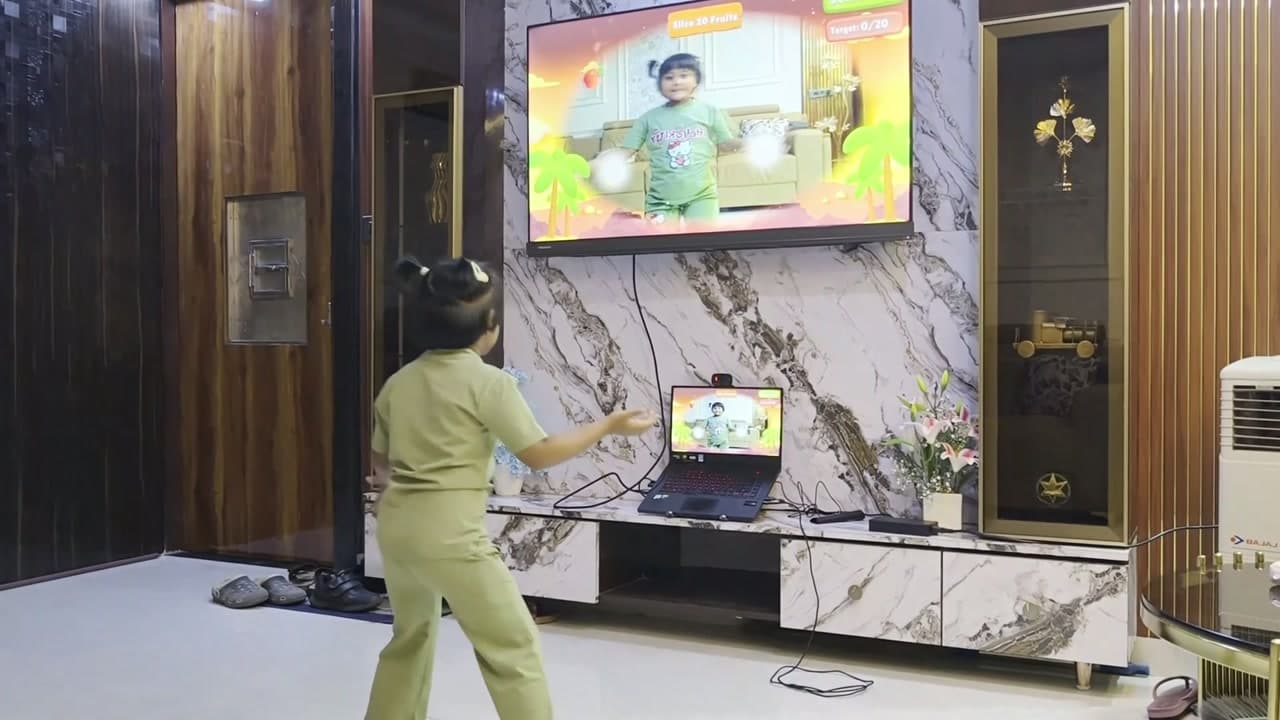
Open it on your computer
Any Windows or Mac laptop or PC with a webcam. Plug it into your TV for the big-screen version, and keep the webcam pointed at you.
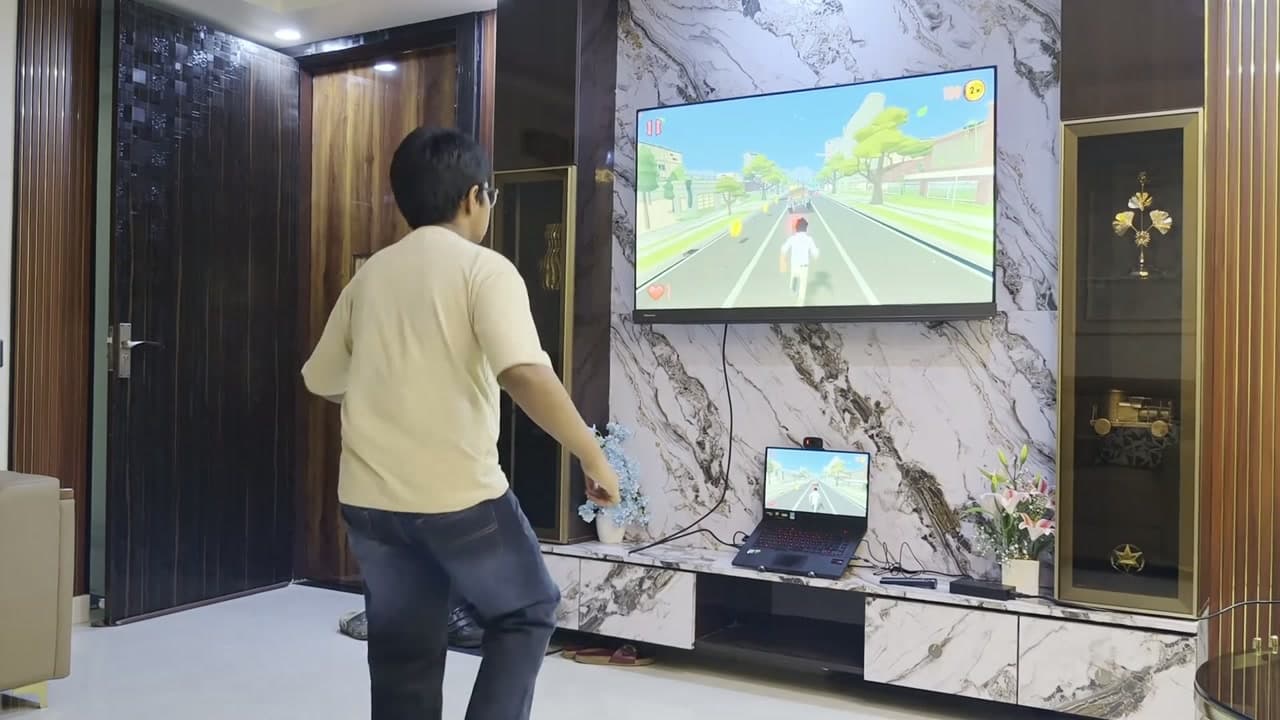
Step back
Give yourself about 4–6 ft (1.2–1.8 m) of space so the camera can see you. Turn the lights on.
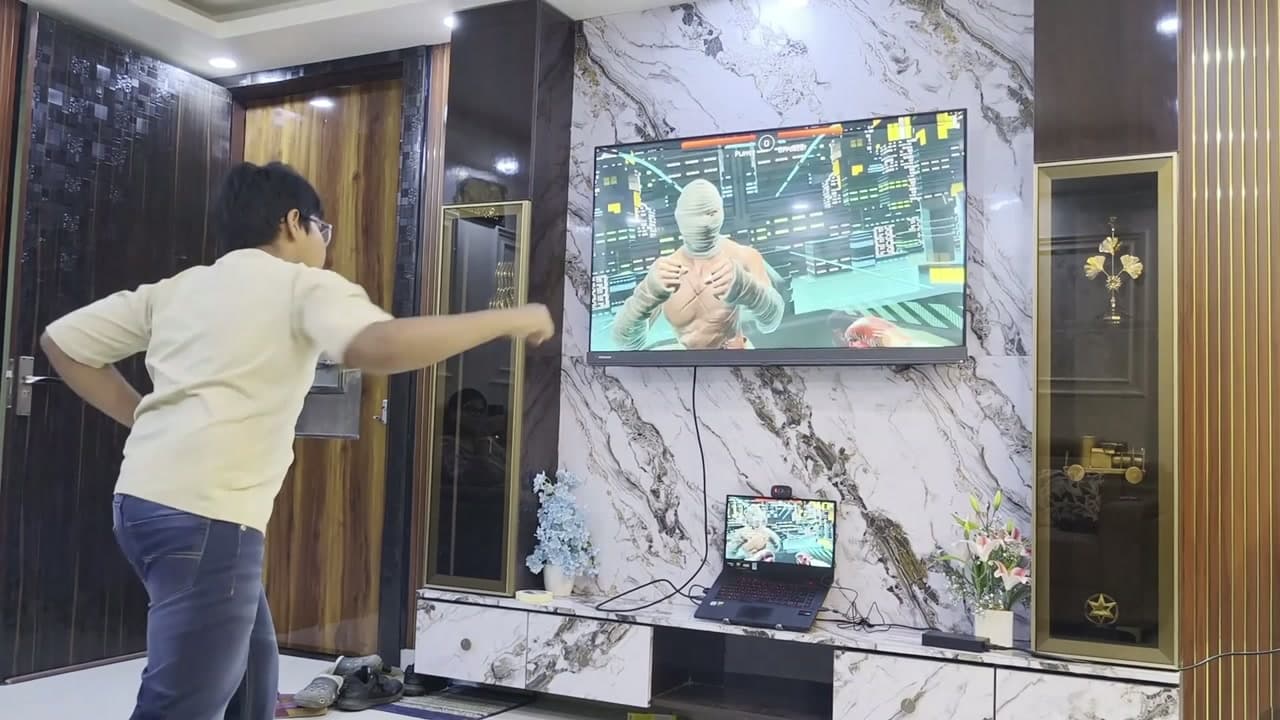
Move to play
The game reads your movement in real time. Swipe, jump, duck, punch or reach, and the game responds.
Where the games live
You buy games here on the website. They play in the free Fun Motion Labs launcher: sign in with the same account and your games are there. See Download.
System requirements
Full requirements are published at launch, once every game has been tested on them. Until then, only what we know for sure:
| What | You need |
|---|---|
| Computer | A Windows or Mac laptop or PC |
| Camera | A webcam (built in or plugged in) |
| Space | About 4–6 ft (1.2–1.8 m) in front of the camera |
| Light | A lit room, so the camera can see you |
| OS versions, processor, memory, disk | To be confirmed at launch |
Privacy
Tracking and voice commands run on your computer. Your webcam video is never saved or uploaded. Read the privacy policy.
Ready to move?
Motion games for the laptop or PC you already own. Buy each game once and keep it.